



Showing Posts From
Development
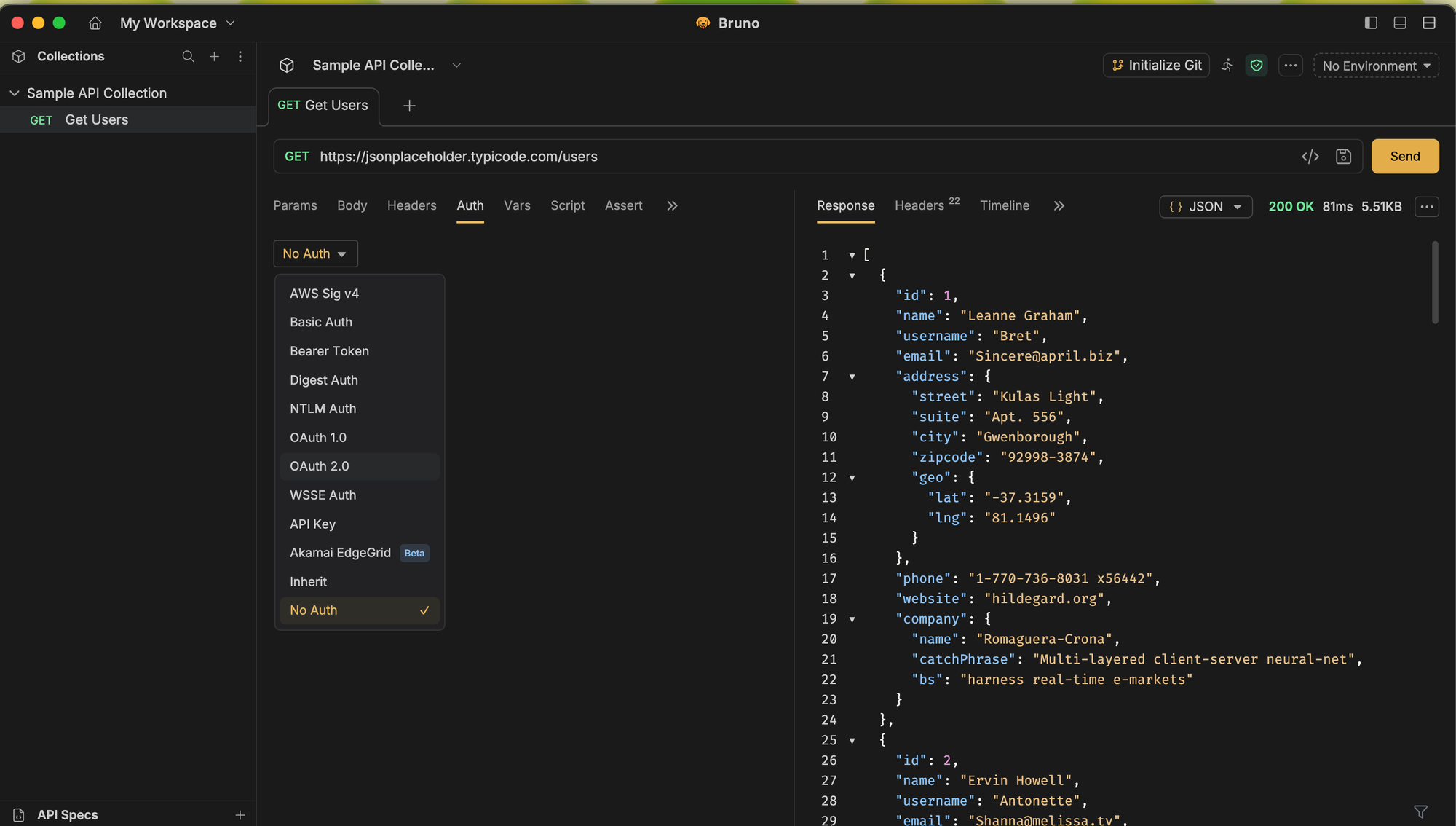
I’ve bounced around between API clients for years. First Postman, then Insomnia, and now I think I’ve finally found the one I’m sticking with: Bruno.
Why Bruno?
It’s free. The core app is open source, and it does everything I need without hitting a paywall.
It’s fast. It opens quickly and stays out of my way. No waiting around for a giant app to load just so I can send a GET request.
No signing in. You download it, open it, and start making requests. No account, no forced cloud sync, no “please log in to continue.”
.bru files in my repos are freaking amazing. This is the big one. Bruno saves your requests as plain text .bru files on disk. That means my endpoints live right next to the code that uses them, in the same repo. They get version controlled, show up in pull requests, and anyone who clones the project already has the whole collection. No more exporting JSON files and passing them around.
It’s All I Need
That’s really it. I don’t need workspaces, team plans, or an AI assistant built into my API client. I just want to send requests, see the responses, and keep everything in Git.
Bruno does exactly that, nothing else, and I love it.
Chrome 157 introduces HTML-in-Canvas, which lets you render actual HTML elements inside a canvas, including WebGL and WebGPU scenes.
What’s really cool is that these elements remain interactive. You get things like text selection, form controls, accessibility, and CSS styling without having to recreate everything manually in canvas.
This opens up some interesting possibilities for 3D applications, games, and complex web interfaces. The video below does a great job showing why this is such a big deal.
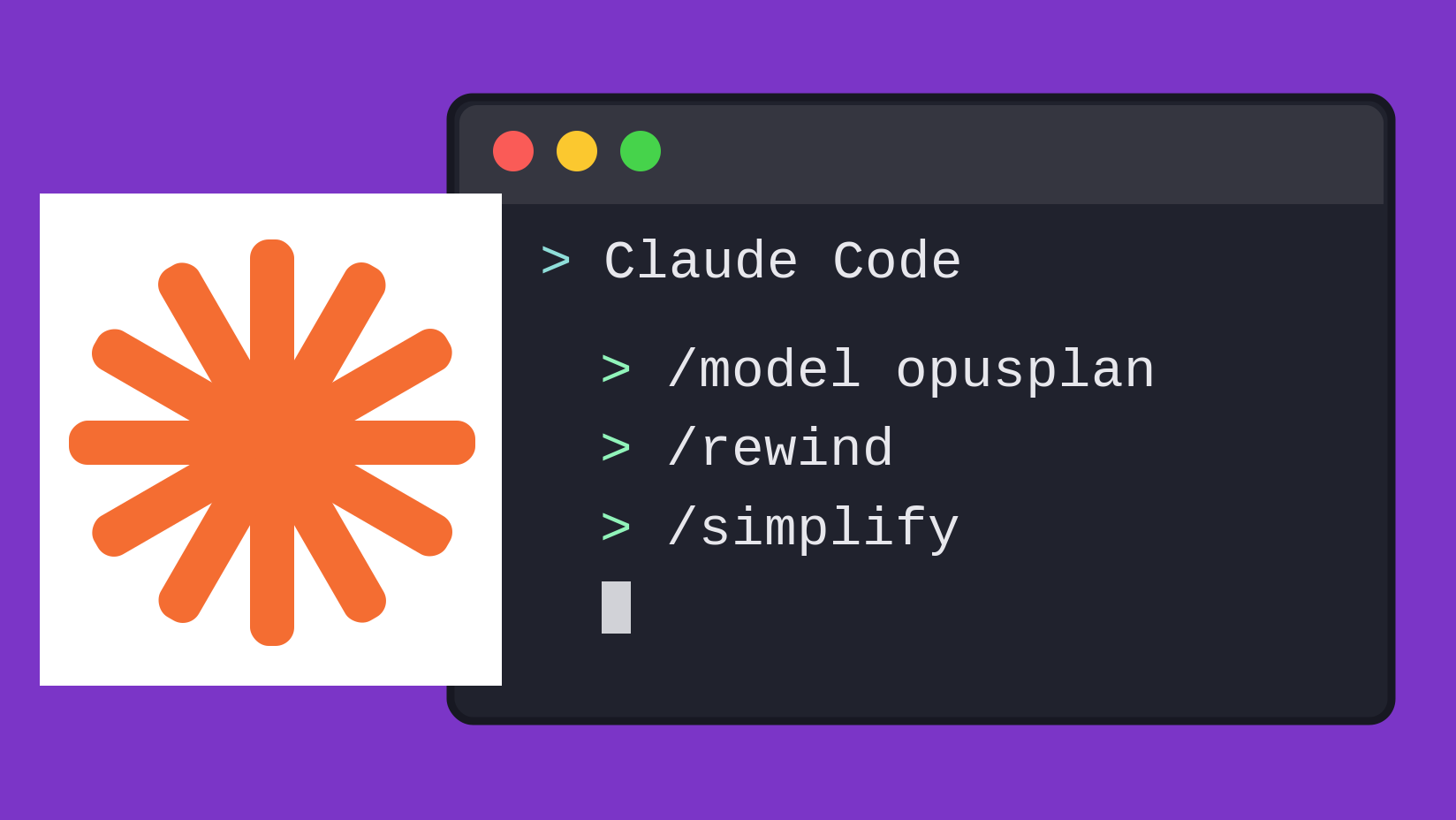
I’ve been using Claude Code quite a bit lately, and I’ve come across a few commands that have made my workflow a little better. Nothing groundbreaking, but definitely worth knowing about.
1. /model opusplan — Opus for Planning, Sonnet for Coding
This one’s pretty neat. Claude Code uses Opus when you’re in Plan Mode and switches to Sonnet when it’s time to actually implement the changes.
You get the stronger reasoning of Opus for architecture and planning without having to use it for every little code change.
2. /rewind — Stop Telling Claude to Undo Things
I can’t count how many times I’ve told Claude something like “No, no, that’s wrong” or “Undo what you just did.”
Turns out, there’s a better way.
Running /rewind (or pressing Esc twice) lets you jump back to an earlier point in the conversation. You can restore the conversation, revert supported code changes, or both.
Much easier than trying to explain exactly what you want undone. Just remember that it’s not a replacement for Git, especially for changes made outside Claude’s tracked edits.
3. /simplify — Clean Up After Claude
Sometimes Claude writes code that works perfectly fine but is unnecessarily complicated.
Running /simplify reviews recent changes for unnecessary complexity, duplicated logic, and opportunities to make the code cleaner.
It’s a nice final pass after Claude finishes implementing something, especially when it’s touched a bunch of files.
These are three small additions to my Claude Code workflow that I’ve found genuinely useful. If you’re spending a lot of time coding with Claude, they’re worth trying.