



Showing Posts From
Claude code
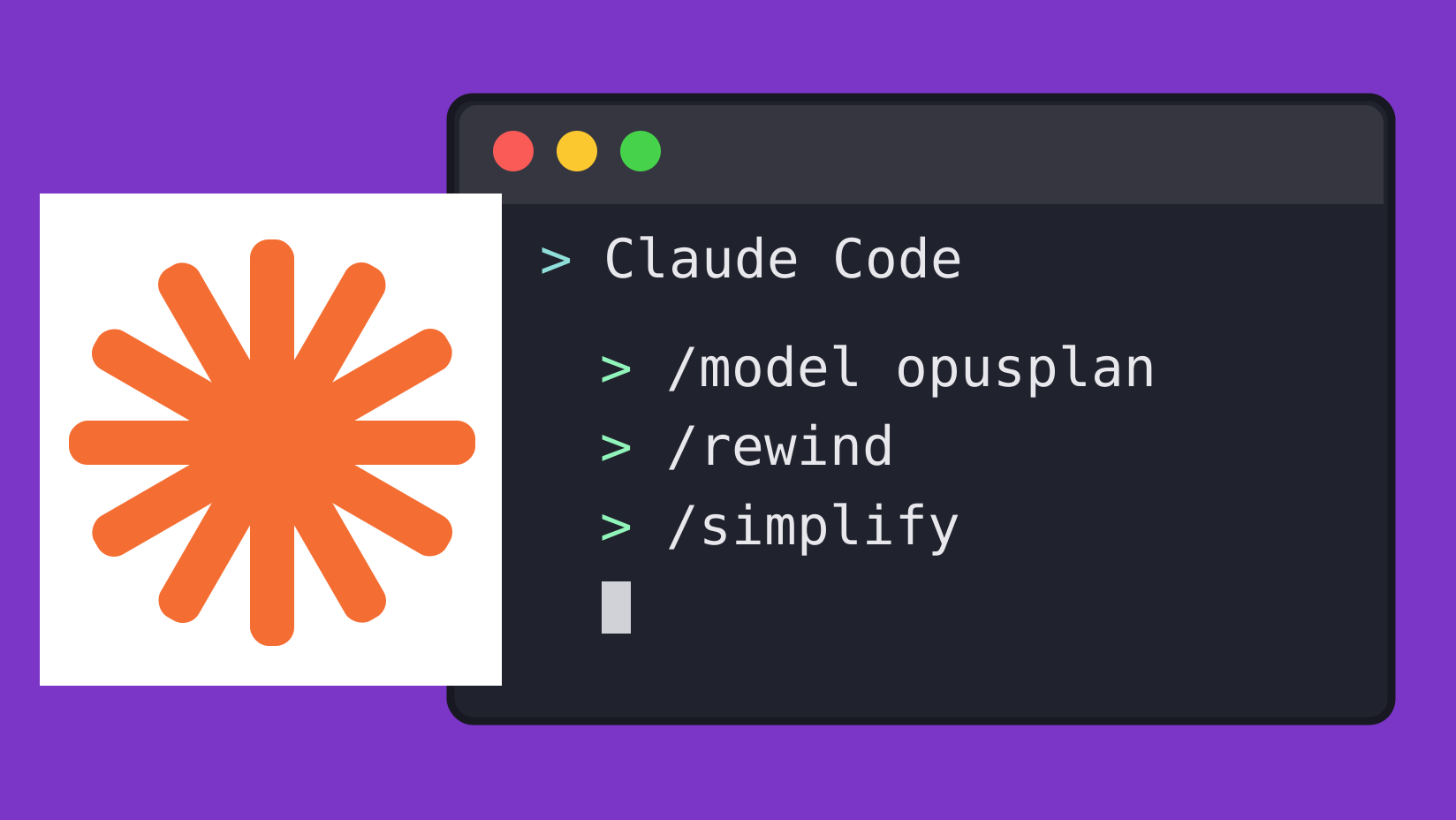
I’ve been using Claude Code quite a bit lately, and I’ve come across a few commands that have made my workflow a little better. Nothing groundbreaking, but definitely worth knowing about.
1. /model opusplan — Opus for Planning, Sonnet for Coding
This one’s pretty neat. Claude Code uses Opus when you’re in Plan Mode and switches to Sonnet when it’s time to actually implement the changes.
You get the stronger reasoning of Opus for architecture and planning without having to use it for every little code change.
2. /rewind — Stop Telling Claude to Undo Things
I can’t count how many times I’ve told Claude something like “No, no, that’s wrong” or “Undo what you just did.”
Turns out, there’s a better way.
Running /rewind (or pressing Esc twice) lets you jump back to an earlier point in the conversation. You can restore the conversation, revert supported code changes, or both.
Much easier than trying to explain exactly what you want undone. Just remember that it’s not a replacement for Git, especially for changes made outside Claude’s tracked edits.
3. /simplify — Clean Up After Claude
Sometimes Claude writes code that works perfectly fine but is unnecessarily complicated.
Running /simplify reviews recent changes for unnecessary complexity, duplicated logic, and opportunities to make the code cleaner.
It’s a nice final pass after Claude finishes implementing something, especially when it’s touched a bunch of files.
These are three small additions to my Claude Code workflow that I’ve found genuinely useful. If you’re spending a lot of time coding with Claude, they’re worth trying.